


MINIMAL yet mighty
All the editing tools you need, thoughtfully designed to keep things simple — so you can focus on making your photos look amazing without any distractions.
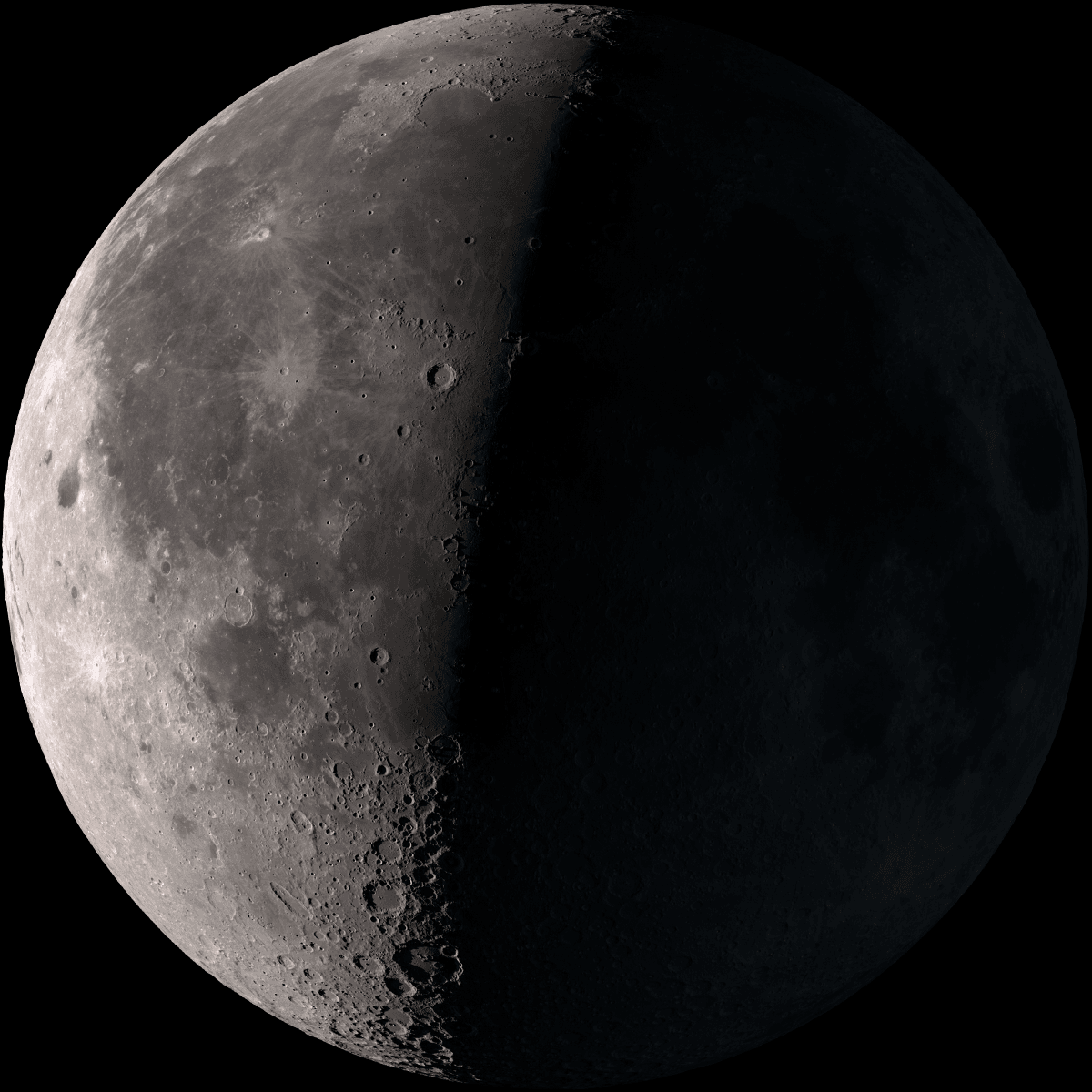
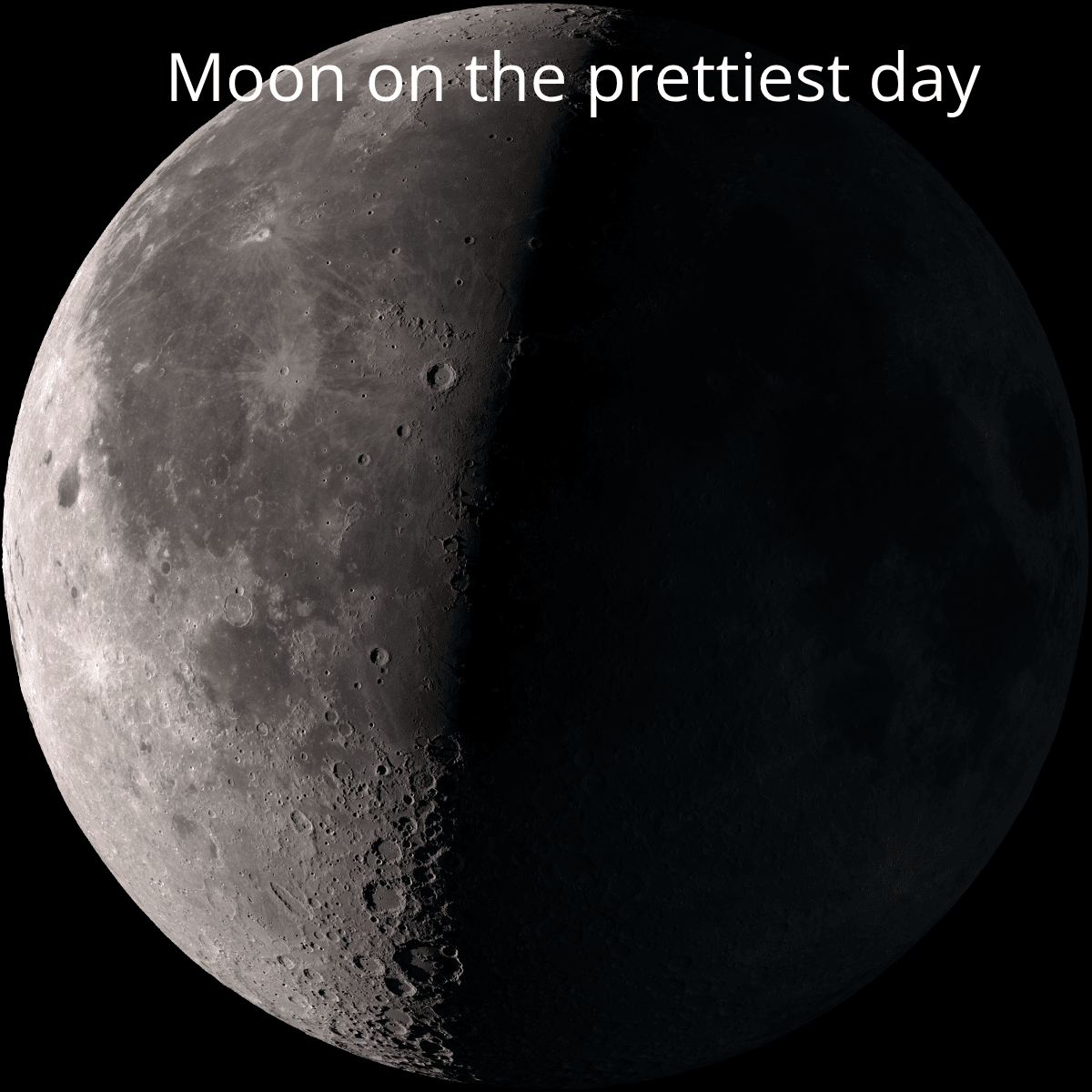
Add Text
Easily add and style text on your images with a variety of fonts, sizes, colors, and placement options — customize every detail to create visually stunning designs that perfectly match your message, all in just a few clicks.
Crop and Rotate photos
Quickly crop and rotate your photos to focus on what matters most — adjust the composition, straighten angles, and enhance your images effortlessly for a polished, professional look.
Apply Filters
Give your photos a fresh look with easy-to-use filters — tweak colors, lighting, and effects to bring out the best in every image.
Remove or Change Background
Remove backgrounds with precision or switch them to colors, gradients, or entirely new images — personalize your photos and make them stand out effortlessly.
Draw
Add creativity on the go — explore brush, pencil, dotted, and chalk styles to draw freely and enhance your images with unique artistic effects.
Add Blur
Add blur effects like pixelate and smudge to your photos — create focus, hide details, or add artistic touches to enhance your images with ease.
AI Generate and Edit
Write a prompt describing the image you want to generate. Our AI will create the image, and you can then refine or edit it further in the Pixedit editor.
1Create Your Account
Create your account to access editing tools designed to make your images stand out. Whether you’re enhancing photos, removing backgrounds, or adding creative effects, everything is just a few clicks away.
2Upload Your Image
Easily select and upload your image from your device to begin editing right away. Once uploaded, you can access powerful tools to enhance, adjust, and personalize your image exactly how you want it — all in just a few simple steps.
3Choose a Tool
Choose from a set of powerful tools to edit your image with ease. Crop for the perfect frame, apply filters for creative effects, change or remove backgrounds, draw with custom brushes, and add blur for a polished look — everything you need to bring your ideas to life.
4Start Editing
Start editing your image in just a few simple steps. Upload your photo, explore a wide range of tools, and easily apply filters, adjustments, effects, and more to enhance and personalize it. Whether you want to make quick fixes or unleash your creativity, everything you need is right at your fingertips.
5Download Instantly
Once you’ve perfected your image, download it instantly in the format that works best for you. Choose from PNG, JPG, JPEG, or WebP to save and share your creation without any hassle or delay.
Give Your Photos a Fresh Look!
Simple controls and intuitive design let you edit your photos like a pro in just a few clicks.